

The Anatomy of the CSS rule consist of an element: the selector, and then follows the CSS rule (the declaration) within curly braces. The selector is a HTML element which is targeted to modify changes with the CSS style and if more than one CSS rule is present inside the declaration, then it should be seperated by a semi-colon.
p {
color : red;
}
One selector and multiple declarations:

p {
color : green;
font-size: 14px;
font-weight: bold;
}
You can select one element and give multiple values to it, so the element is modified according to the declarations.
Multiple selectors with same declarations:
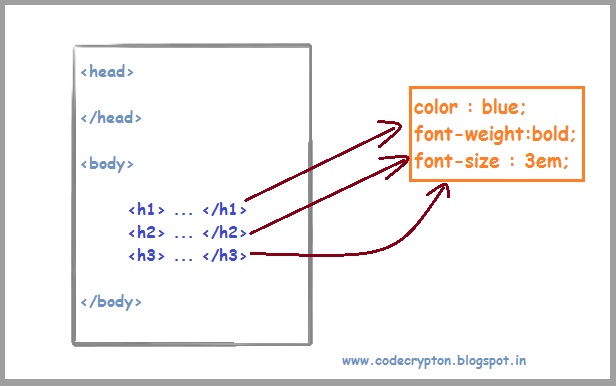
h1 {color: blue; font-weight: bold; font-style: italic;}
h2 {color: blue; font-weight: bold; font-style: italic;}
h3 {color: blue; font-weight: bold; font-style: italic;}
The above code contains three different selectors with same declarations and they can be simplified like the code below.
h1, h2, h3 {
color: blue;
font-weight: bold;
font-style: italic;
}
This is the simplified code where you can separate the selectors with just a comma, and then the declarations continue.
Same selector with multiple declarations:

h1, h2, h3 {
color: blue;
font-weight: bold;
font-style: italic;
}

h3 {
text-decoration: none;
}

h2 {
font-size: 2.5em;
}
With just one selector, you can declare multiple rules or declarations like the above code.
